Google Business Profile for a Food Truck That Moves
Google Maps was built for businesses that stay put, so a mobile operation has to set its listing up as a service-area business — and maintain it weekly.
Food Truck or Restaurant Owner? Sign up for the Culinary Entrepreneur Newsletter!
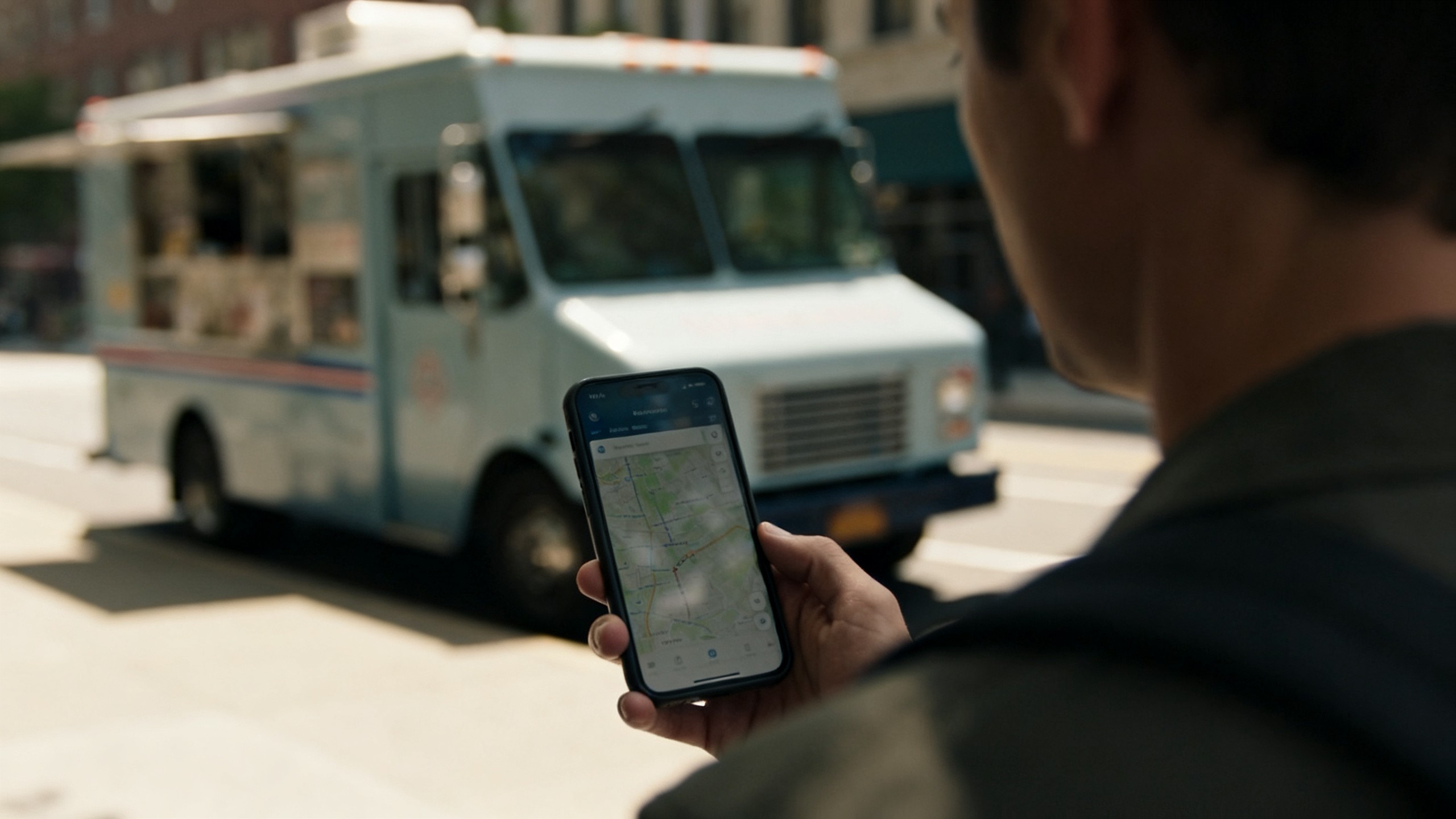
Google Maps was built for businesses that stay put. You don't. That's the whole problem, and almost every guide about Google Business Profile ignores it — they tell you to verify your address, which is the one thing a truck can't do the normal way.
You can still get listed, and you should. "Food near me" and "tacos near me" are the highest-intent searches in the food business: somebody is hungry, nearby, and holding their phone. But a mobile business has to set the profile up differently, and getting it wrong either gets you suspended or gets you found in the wrong place.
Can a food truck even have a Google Business Profile?
Yes. Google supports what it calls service-area businesses — businesses that go to the customer instead of the customer coming to a storefront. That's the category a truck belongs in, and it's the setting most operators never touch.
Two things to get right at setup:
Hide your address, set a service area. If you registered with your home address or your commissary, hide it and define the area you actually serve instead. Leaving your home address public on a food business listing is a mistake you only make once.
Pick the specific category. "Food truck" exists as a category. So do narrower ones. Specific beats broad — a taco truck listed as "Taco restaurant" or "Mexican restaurant" plus "Food truck" surfaces for more of the searches that matter than one listed generically as "Restaurant."
If you park in the same spot most of the week and it's a legitimate fixed location you're permitted to operate from, you may be better off with a standard address listing than a service area. The rule of thumb: if a customer could reliably show up unannounced and find you, use the address. If they couldn't, you're a service-area business, and pretending otherwise generates one-star reviews from people who drove to an empty lot.
The verification problem, honestly
Verification is where mobile operators get stuck. Google wants proof the business exists where you say it does, and its process assumes a mailbox and a sign.
What actually helps:
Use consistent business details everywhere. The exact same business name, phone number, and web address on your permit paperwork, your site, your social profiles, and your listing. Mismatches are the most common reason a mobile listing gets flagged.
Don't stuff your name. "Maria's Tacos" is your business name. "Maria's Tacos | Best Tacos Austin Food Truck Catering" is a violation and it's the fastest way to get a listing suspended.
Have a real web page before you verify. A page that shows your menu, your schedule, and your phone number makes the listing legible to a reviewer and to Google's systems.
Expect video verification. Increasingly that means walking Google through your operation on camera — your truck, your equipment, your signage. Have the wrap and the permit visible.
Be straight with yourself about the timeline: this can take a couple of weeks and it can go wrong for reasons that have nothing to do with you. Don't build a launch plan that depends on the listing going live on a specific day.
What to do once you're listed
A verified profile that never gets touched decays. The listings that pull traffic are the ones being maintained. In rough order of payoff:
What | How often | Why it matters |
|---|---|---|
Update this week's locations and hours | Weekly | Wrong hours is the top complaint customers leave about mobile food businesses |
Post your schedule as an update | Weekly | Fresh posts are one of the few signals you fully control |
Add real photos of food and the truck | Monthly | Photos drive the click more than anything else on the listing |
Reply to every review, good and bad | Weekly | Public replies are read by the next customer, not the reviewer |
Answer questions in the Q&A section | Monthly | You can post and answer your own — "do you have vegetarian options" belongs here |
Keep the menu current | When it changes | Item names are searchable text |
The highest-leverage item on that list is the boring one: hours and location accuracy. A truck that shows as open when it isn't trains customers to distrust the listing, and that's very hard to undo.
The thing that actually moves you up
Local ranking rewards three things you can influence: how complete and consistent your information is, how many genuine reviews you have and how recently, and how relevant your categories and menu text are to what people type.
Reviews are the heaviest of those and the slowest. The only durable way to get them is to ask people who just had a good experience — at the window, on the receipt, in the order confirmation. Not incentives. Offering anything of value in exchange for a review violates Google's policies and can get your reviews stripped or your listing penalized, and it's not a risk worth taking for a handful of stars. I wrote up what actually worked when we got to 800 Google reviews — it was asking, consistently, at the right moment.
What you can reward is a tagged photo, a check-in, or joining your list. Those are fine. The review itself has to be unpaid.
Where this stops working
Two honest limits.
First, a service-area listing is weaker than a storefront listing. That's not a setup mistake you can fix — Google's local results are built around physical proximity, and a business without a fixed public address is at a structural disadvantage for the map pack. You can win the branded searches and the "near me" searches when you're parked somewhere busy. You will not consistently beat a brick-and-mortar restaurant on its own block.
Second, none of this tells anyone where you are today. Google Maps is how people find that you exist. It's a poor tool for telling the 300 people who already like your food that you're at the brewery on Thursday. That job belongs to a list you own — a text list beats social for exactly this, because a text gets read and an algorithm decides who sees a post.
Use Maps for discovery. Use your own list for repeat business. Confusing the two is why operators post their schedule into the void every week and wonder why the same forty people show up.
Where doing this by hand breaks down
Updating hours and locations by hand every week is fifteen minutes you won't spend by week six. It's the first thing to slip, and it's the thing that costs you the most when it does.
The fix is having one place your schedule and menu live, so what a customer sees on your ordering page matches what's on your listing, and your hours aren't being maintained in three systems that drift apart. When your menu changes on the truck, it should already be current everywhere a customer might look.
Avocado gives your truck a real ordering page with your live menu and schedule, so the link you point Google at is one you don't have to maintain separately.
Avocado is a POS built for independent restaurants and food trucks. We're operators first, and we'd rather tell you the honest version than the version that closes faster.
Google's listing policies and verification process change regularly. Check the current Google Business Profile help documentation before relying on any specific step here.